If you have a loan with KCB Bank Kenya, repaying it has never been easier. Thanks to Safaricom’s M-Pesa service, you can conveniently repay your KCB Bank loan or deposit money into your KCB account from the comfort of your phone — anytime, anywhere.
Whether you want to clear your loan balance, top up your account, or send funds to a family member with a KCB account, this simple guide will walk you through the exact steps on how to repay KCB Bank loan via M-Pesa.
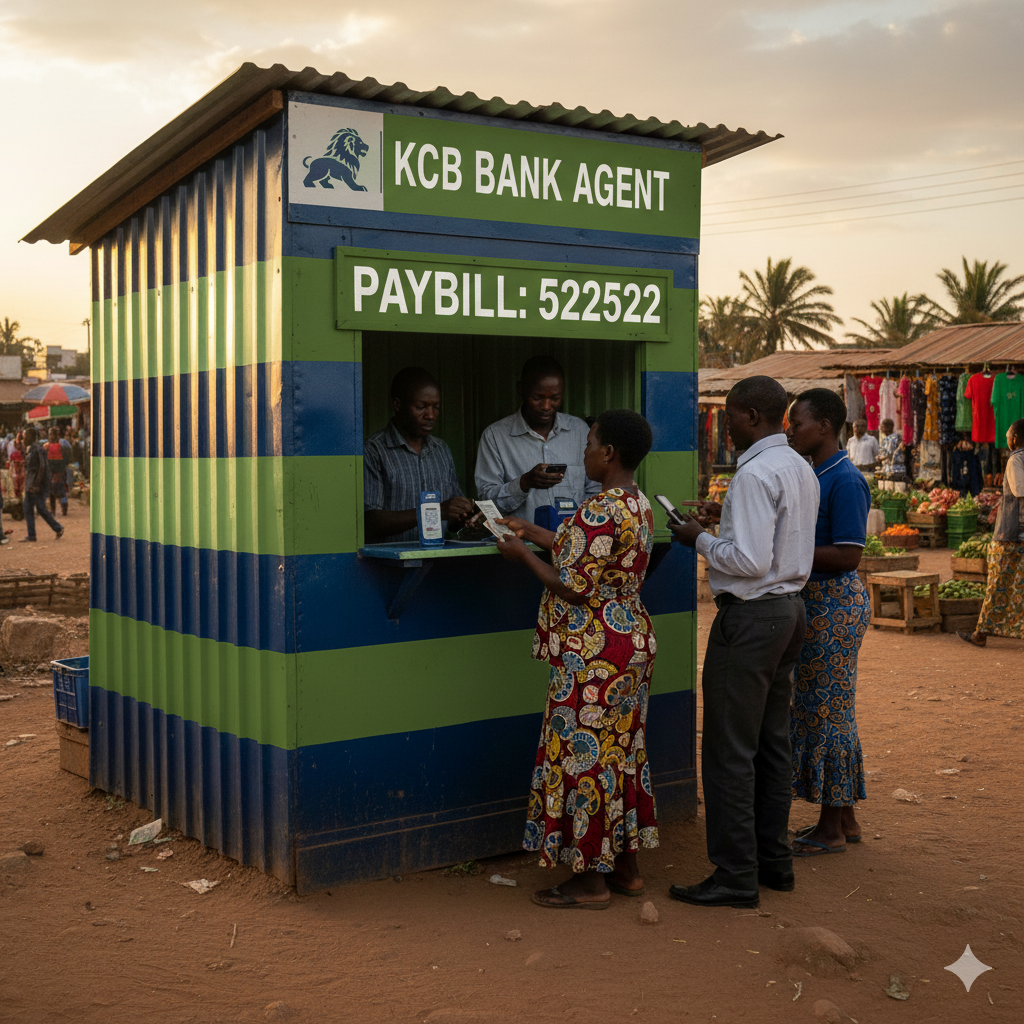
Why Repay Your KCB Bank Loan via M-Pesa
M-Pesa provides a fast, secure, and convenient way to make payments directly to your KCB Bank account. You don’t have to visit the bank or use the ATM — everything happens right on your phone.
Benefits include:
- ✅ Instant loan repayment confirmation
- ✅ No need for bank queues
- ✅ 24/7 accessibility
- ✅ Easy to use on any phone via M-Pesa menu
- ✅ Safe and reliable payment system
KCB Bank M-Pesa Paybill Number
To repay your KCB Bank loan or deposit money into your account, you will need the official KCB M-Pesa Paybill Number: 522522.
- Paybill Number:
522522 - Account Number: Your KCB Bank Account Number or Loan Account Number
Step-by-Step Guide: How To Repay KCB Bank Loan Via M-Pesa
Follow these simple steps to make your loan repayment:
- Go to your M-Pesa Menu on your Safaricom line.
- Select Lipa na M-Pesa.
- Choose Paybill.
- Enter KCB Bank Paybill Number – 522522.
- In the Account Number field, enter your KCB Loan Account Number (or your regular account number if repaying a personal loan).
- Enter the amount you wish to pay.
- Enter your M-Pesa PIN to confirm the transaction.
- You will receive two SMS confirmations — one from M-Pesa and another from KCB Bank confirming successful repayment.
Example:
If your KCB Loan Account Number is 1234567890, and you want to repay KSh 5,000, here’s how your M-Pesa details should look:
- Paybill Number: 522522
- Account Number: 1234567890
- Amount: 5000
- PIN: (Enter your M-Pesa PIN)
Alternative: Deposit Money Into Your KCB Bank Account via M-Pesa
The same process applies when depositing funds into your KCB Bank account. Simply replace the loan account number with your KCB savings or current account number.
Steps:
- Open M-Pesa Menu → Lipa na M-Pesa → Paybill
- Enter 522522 as the Paybill number
- Enter your KCB Bank Account Number
- Enter the amount to deposit
- Confirm and complete the transaction
Your KCB account will be credited instantly.
Tips for Successful Loan Repayment
- Always confirm your loan balance before making a payment through KCB Mobile App, KCB USSD (*522#), or by visiting your nearest branch.
- Keep your M-Pesa message as proof of payment.
- Repay your loan before the due date to maintain a good credit score.
- Ensure you use the correct loan or account number to avoid delays.
Common Issues and How To Solve Them
| Issue | Possible Cause | Solution |
|---|---|---|
| Payment not reflecting immediately | Network delays | Wait for 10–30 minutes, or contact KCB customer care |
| Used wrong account number | Wrong input | Visit nearest KCB branch with transaction message |
| Transaction failed | Insufficient M-Pesa balance | Ensure you have enough funds before retrying |
KCB Bank Customer Care Contacts
If you encounter any issues or need assistance with your M-Pesa loan repayment:
- 📞 KCB Customer Care: +254 (0)711 087000
- 📧 Email: contactcentre@kcbgroup.com
- 🌐 Website: www.kcbgroup.com
- 🏦 Visit: Any KCB Bank branch near you
Final Thoughts
Repaying your KCB Bank loan via M-Pesa is fast, secure, and convenient. With Paybill 522522, you can settle your loan or top up your account in seconds — no queues, no paperwork, no stress.
Always ensure you confirm your account number and loan details before making payments to avoid errors. By repaying on time, you maintain a healthy credit record and remain eligible for future loan facilities from KCB Bank.